
Electronics
Apple Products on Amazon
You'll need the extension to earn Cashback
1.5% Cashback
All Amazon orders. Capped at 5 Cashback rewards per month.
1.5%
Capped at $5 per order
Cashback timeline
Purchase
Tracked in
2 days
Confirmed in
90 days
Terms and exclusions
Refunds, cancellations and no-shows
Any rejected, cancelled, refunded, exchanged or returned purchases will not be eligible for Cashback.
Tracking disclaimers
- Your Cashback may be tracked at a different rate initially and adjusted to the correct rate when we confirm the transaction details.
Other terms and conditions
How to activate Cashback on Apple Products on Amazon
Install the ShopBack browser extension
Install the ShopBack extension on Chrome, Firefox, or Edge. It’s the only way to start earning Cashback at Apple Products on Amazon.

Activate Cashback when prompted
Every Apple Products on Amazon item offers base Cashback, and some give more. Just click 'Activate Cashback' when you see the ShopBack extension pop up on Chrome, Firefox, or Edge.
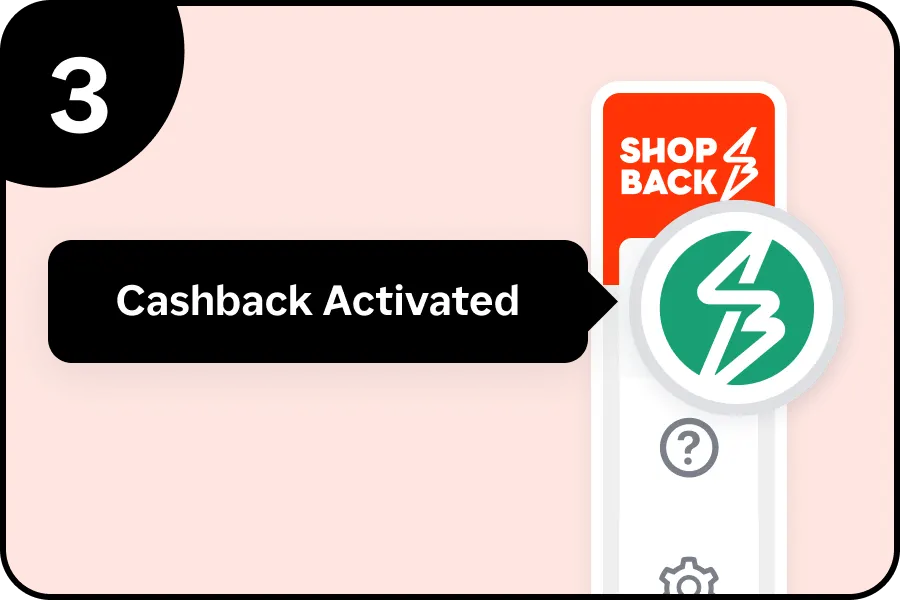
Shop and earn Cashback
When the button turns green, your Cashback's being tracked. Finish your purchase and your earnings will follow!
Cashback tips
Remember to check T&Cs
Check carefully for Cashback exclusions and caps before you buy or book to avoid disappointment. Don't forget the terms and conditions on any promotion and campaign pages.
Check carefully for Cashback exclusions and caps before you buy or book to avoid disappointment. Don't forget the terms and conditions on any promotion and campaign pages.
Restart from this platform every time
Complete your shopping in one go: Always start from this platform to visit the store directly, for every new transaction. If your store visit is interrupted by an app update or download screen, restart your shopping from our platform.
Complete your shopping in one go: Always start from this platform to visit the store directly, for every new transaction. If your store visit is interrupted by an app update or download screen, restart your shopping from our platform.
Don't use adblockers or click on other links
Don't click on any third party links or extensions or use VPN or adblocking software, as they could result in your Cashback not being tracked. Some examples include: Facebook ads, Google Ads, other loyalty or cashback extension links.
Don't click on any third party links or extensions or use VPN or adblocking software, as they could result in your Cashback not being tracked. Some examples include: Facebook ads, Google Ads, other loyalty or cashback extension links.

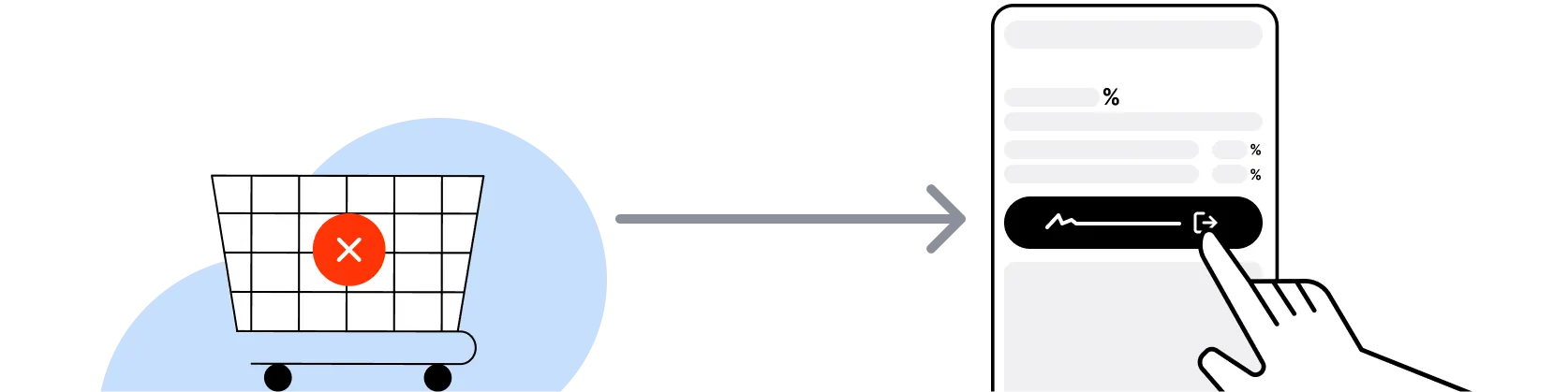
Empty shopping cart first
For Apple Products on Amazon, you need to clear your cart, close the Apple Products on Amazon app, open this platform to visit the Apple Products on Amazon app or website and complete your purchase there in order to earn Cashback. You need to do this for each purchase.
For Apple Products on Amazon, you need to clear your cart, close the Apple Products on Amazon app, open this platform to visit the Apple Products on Amazon app or website and complete your purchase there in order to earn Cashback. You need to do this for each purchase.
Restart from this platform if payment fails
If you encounter payment errors during your purchase, you should restart your visit to the Apple Products on Amazon from this platform to ensure that your Cashback continues to be tracked.
If you encounter payment errors during your purchase, you should restart your visit to the Apple Products on Amazon from this platform to ensure that your Cashback continues to be tracked.
Accept all cookies from the store
Apple Products on Amazon can only confirm to us that a transaction is recorded if you accept all cookies that appear on their pages.
Apple Products on Amazon can only confirm to us that a transaction is recorded if you accept all cookies that appear on their pages.