Apps That Pay You to Play Games
A range of apps reward you for playing mobile games — through cashback, points, or cash earnings that can be redeemed for gift cards or transferred to a bank account.
Published 13 Apr 2026 • 7 min read
A range of apps reward you for playing mobile games — through cashback, points, or cash earnings that can be redeemed for gift cards or transferred to a bank account. How those rewards are structured, and what you can do with them, varies by platform.
This guide covers apps available to US users that pay rewards for playing games. Apps are grouped by type: platforms that combine gaming with cashback or shopping rewards, and platforms built primarily around gaming tasks.
Rewards and cashback apps
These apps offer gaming as one of several earning methods, alongside cashback on purchases, receipt scanning, or surveys.
ShopBack Play
ShopBack Play is a feature within the ShopBack app that lets you earn cashback by installing and playing games. Cashback is credited to your ShopBack account alongside any shopping cashback you have earned, and can be withdrawn via PayPal or ACH.
How you earn
- Access games through the ShopBack app and install them on your device
- Earn cashback by reaching in-game milestones such as completing levels or hitting in-game goals
- Milestones and completion times vary by game — check the app for specifics on each title
Platform
- iOS and Android
Payout method
Cashback credited to your ShopBack account, withdrawable via PayPal or ACH with a $5 minimum balance
Watch-outs / exclusions
- Only games listed in the ShopBack app are eligible
- Previously installed games are not eligible — only new installs through the ShopBack app count
- Uninstalling a game before completing milestones means cashback for that game will not be earned
- Games are free to download and play
Fetch
Fetch is a rewards app where points are earned primarily by scanning shopping receipts. Fetch Play is an in-app feature that lets you earn additional points by completing tasks in listed mobile games. Points are redeemable for gift cards.
How you earn
- Access Fetch Play via the trophy icon in the Fetch app
- Download games featured in Fetch Play and complete the required in-game task to earn points
- Points are awarded within 24 hours of completing a game's required task
- Points are also earned by scanning grocery and retail receipts
Platform
- iOS and Android
Payout method
Points redeemed for gift cards to retailers and restaurants, or prepaid Visa/Mastercard cards. Direct cash withdrawal (PayPal or bank transfer) is not available on Fetch.
Watch-outs / exclusions
- Fetch is primarily a receipt scanning app — Fetch Play is one of several earning methods
- Only games featured in Fetch Play are eligible
- Enabling device tracking is optional but recommended for consistent point tracking
- A minimum point threshold applies to redeem rewards — check the app for the current requirement
Benjamin
Benjamin is a rewards app where earnings are tracked as a cash balance. You can earn through mobile games, cashback on purchases, receipt scanning, surveys, and video ads.
How you earn
- Browse games in the Benjamin app, download them, and earn cash based on gameplay activity and in-game progress
- Cash is also available through cashback shopping, scanning receipts, surveys, and watching video ads
Platform
- iOS and Android
Payout method
Cash balance withdrawable via PayPal, Venmo, ACH (bank transfer), or gift cards. Minimum withdrawal threshold is $25.
Watch-outs / exclusions
- Gaming is one of several earning methods on Benjamin
- The $25 minimum withdrawal threshold applies across all earnings combined
- Payout timing varies by transfer method — check the app for current processing times
Pure-play gaming apps
These apps are built primarily around gaming tasks and offer walls as earning mechanisms.
Freecash
Freecash is a get-paid-to platform where you earn Freecash coins by completing tasks, including game milestone offers. Coins can be exchanged for PayPal cash, gift cards, or cryptocurrency.
How you earn
- Browse game offers and download games through Freecash offer links
- Earn coins by reaching the specified in-game milestone for each offer
- Other tasks include surveys and offer walls
Platform
- Web browser on desktop and mobile
- Android
Payout method
Coins exchangeable for PayPal cash, gift cards (including Amazon, Google Play, and others), or cryptocurrency. $5 minimum for PayPal withdrawals; a 5% fee applies to PayPal and bank transfers. Gift card redemptions have no fee.
Watch-outs / exclusions
- ID verification is required before your first withdrawal — this is a one-time process
- Only games accessed through Freecash offer links are eligible
- Task availability and coin values vary by offer and region
Swagbucks
Swagbucks is a rewards platform where you earn Swagbucks points through a range of activities including playing games, completing surveys, shopping online, and watching videos. Swagbucks points can be redeemed for gift cards or PayPal cash.
How you earn
- Play games available through the Swagbucks platform to earn Swagbucks points
- Each game offer specifies in-game tasks and a deadline — both must be met for points to be awarded
- Earning is also available through surveys, videos, and shopping
Platform
- iOS and Android
- Web
Payout method
Swagbucks points redeemed for PayPal cash or gift cards
Watch-outs / exclusions
- Game availability and Swagbucks point values vary by offer
- Each game offer has a deadline — check the offer terms before starting
- Swagbucks is a multi-activity platform — gaming is one of several earning methods
FAQ
It depends on the platform and how you redeem. ShopBack Play credits cashback to your ShopBack account, withdrawable via PayPal or ACH. Benjamin tracks a cash balance withdrawable via PayPal, Venmo, or bank transfer. Freecash coins can be exchanged for PayPal cash or cryptocurrency. Swagbucks points can be redeemed for PayPal cash or gift cards. Fetch points are redeemable for gift cards or prepaid cards only — direct cash withdrawal is not available on Fetch.
Points are an internal currency that must be redeemed through the platform, typically for gift cards or credits. Cashback is credited as a monetary balance that can be withdrawn directly to PayPal or a bank account, subject to the platform's minimum balance requirements.
On ShopBack Play and Fetch Play, all listed games are free to download and play. Check each platform's individual game listings for any in-app purchase requirements — earning rewards does not require spending money on in-app purchases.
On ShopBack Play, uninstalling a game before completing milestones means cashback for that game will not be credited. Check each platform's terms for how partial progress is handled.
On ShopBack Play, only new installs through the ShopBack app are eligible — previously installed games do not count. Check the eligibility conditions on each platform before starting.
Earning rates and minimum thresholds vary by platform. ShopBack Play has a $5 minimum balance to withdraw. Freecash has a $5 minimum for PayPal withdrawals. Benjamin requires a $25 minimum across all earnings. Fetch requires meeting the minimum point threshold to redeem for gift cards. Check each platform's current terms for earning expectations and timelines.
Add ShopBack Extension
Install the browser extension for auto coupons and cashback reminders.
Download ShopBack App
Get the app to earn cashback and manage rewards on mobile.
 Scan QR or download below


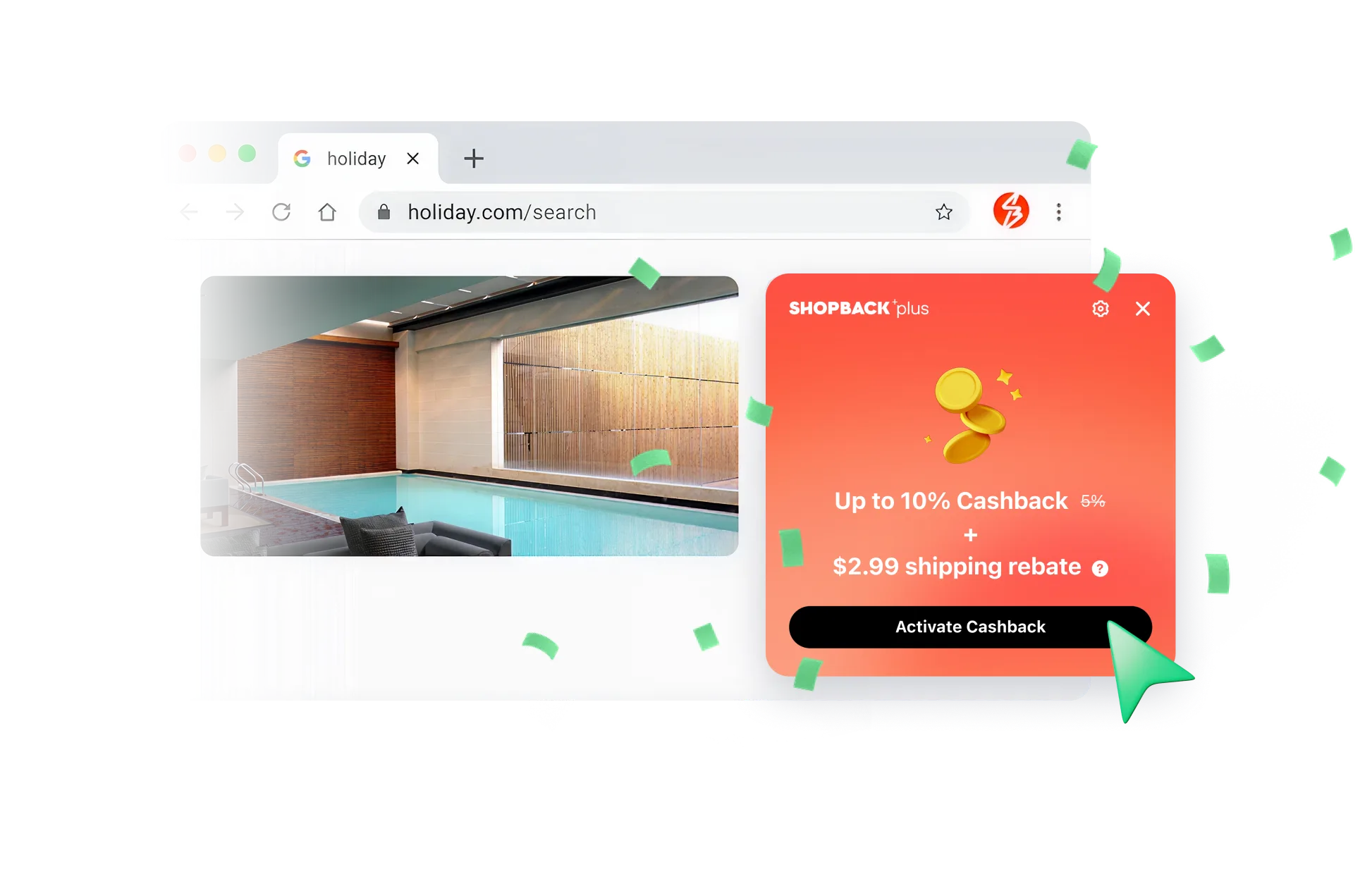
Never miss out on Cashback
Just click to shop - ShopBack browser extension will handle the Cashback and track your rewards.

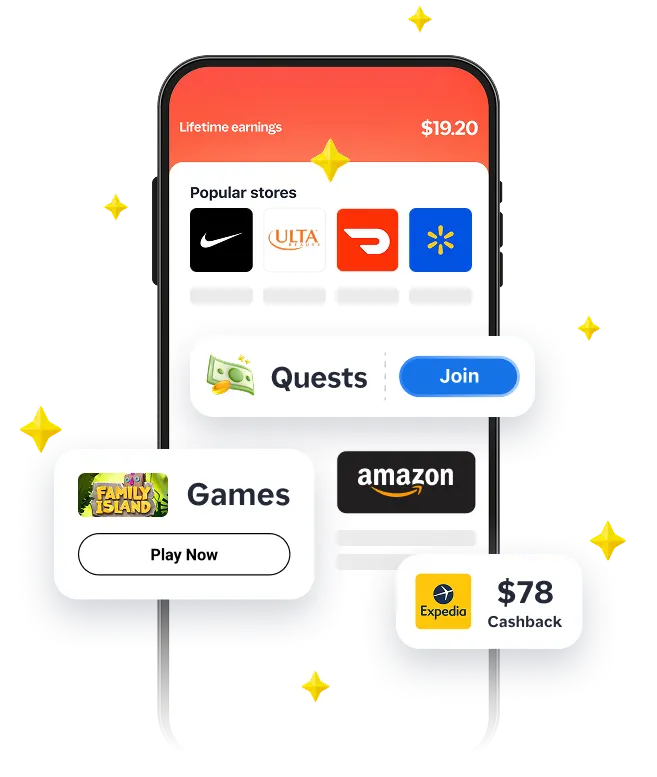
Complete quests, score bigger savings
Shop, play games, join quests, and unlock even more Cashback - only in the app.
