Logitech
Up to 3% Cashback
All Other
3%
TV Accessories
2%
Cashback timeline
Purchase
Tracked in
2 days
Confirmed in
90 days
Terms and exclusions
Refunds, cancellations and no-shows
Any rejected, cancelled, refunded, exchanged or returned purchases will not be eligible for Cashback.
- For partial returns or exchanges, we'll prorate the Cashback as an adjustment.
Tracking disclaimers
- Your Cashback may be tracked at a different rate initially and adjusted to the correct rate when we confirm the transaction details.
Other terms and conditions

Never miss Cashback on Logitech
Get instant alerts on Cashback when you shop online with the ShopBack extension.
Cashback tips
Check carefully for Cashback exclusions and caps before you buy or book to avoid disappointment. Don't forget the terms and conditions on any promotion and campaign pages.
Complete your shopping in one go: Always start from this platform to visit the store directly, for every new transaction. If your store visit is interrupted by an app update or download screen, restart your shopping from our platform.
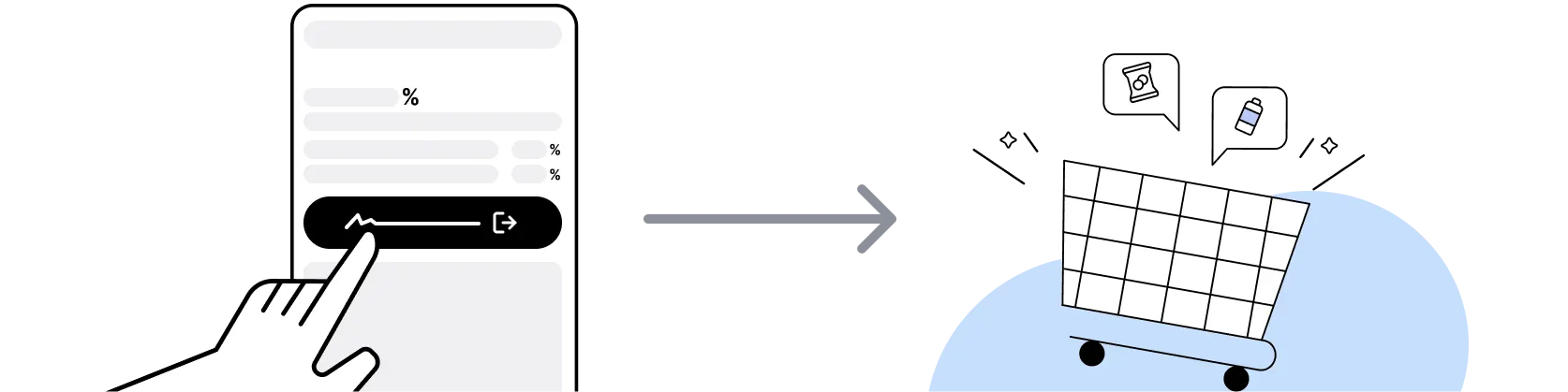
Don't click on any third party links or extensions or use VPN or adblocking software, as they could result in your Cashback not being tracked. Some examples include: Facebook ads, Google Ads, other loyalty or cashback extension links.

For Logitech, you need to clear your cart, close the Logitech app, open this platform to visit the Logitech app or website and complete your purchase there in order to earn Cashback. You need to do this for each purchase.
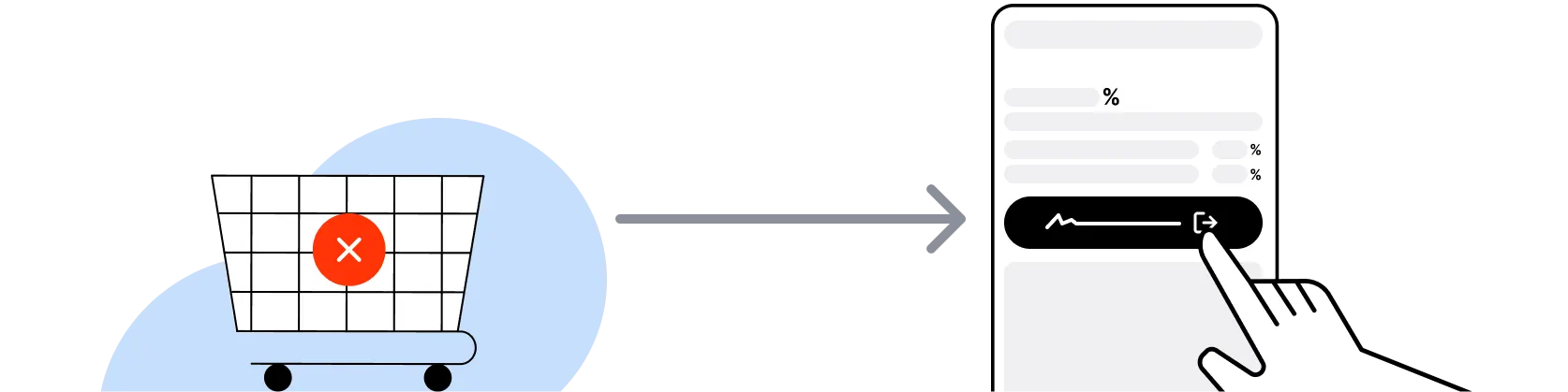
If you encounter payment errors during your purchase, you should restart your visit to the Logitech from this platform to ensure that your Cashback continues to be tracked.
Logitech can only confirm to us that a transaction is recorded if you accept all cookies that appear on their pages.
Shop and earn at similar stores
Logitech on ShopBack
What is Logitech?
Shopping Logitech? Pick your gear, then check out through ShopBack before you pay: ShopBack Cashback works like a discount, only easier than a promo code. Logitech International S.A. is a Swiss-American consumer technology company founded in 1981, with US operations headquartered in Newark, California. The consumer productivity brand covers computer mice (MX Master, MX Anywhere, Ergo M575, POP Mouse lines), wireless keyboards (MX Keys, MX Keys Mini, K380, ERGO K860 split), webcams (Brio 4K, Brio 500, C920s HD Pro), video conferencing (MeetUp, Rally), headsets (Zone Vibe, Zone 950), presentation remotes (Spotlight, R500s), speakers, universal remotes (Harmony line, discontinued 2021 but service continues), and iPad accessories (Combo Touch, Crayon). The Logitech G brand (gaming) is a distinct sub-brand.
What does Logitech sell and at what price?
Logitech consumer lineup: mice from POP Mouse ($39) through MX Master 4 ($129); keyboards from K380 ($39) through MX Keys S Combo ($199); ergonomic split-keyboard ERGO K860 ($229); trackballs (M575 $49, MX Ergo S $129); webcams from C270 ($29) through Brio 4K ($199); headsets from Zone Vibe 100 ($99) through Zone 950 ($299); presentation remotes ($69 to $129); iPad Pro/Air keyboard cases ($229 to $349). Refresh cadence is roughly annual on flagship MX products (MX Master 4 in 2025, MX Keys S in 2024).
What is the Logitech US sale calendar for 2026-2027?
The main US sale windows for 2026-2027 are Amazon Prime Big Deal Days (October 6-7, 2026), Black Friday (November 27, 2026), Cyber Monday (November 30, 2026), Thanksgiving Day (November 26, 2026), Green Monday (December 14, 2026), Boxing Week (December 26 through January 1), Presidents' Day (February 15, 2027), Memorial Day (May 31, 2027), Fourth of July, and Amazon's summer Prime Day (typically mid-July). Verify the specific dates and eligible SKUs on the merchant site before locking a purchase. Logitech runs Back-to-School sales (August), Amazon Prime Big Deal Days (October 6-7, 2026), Black Friday and Cyber Monday with 15% to 30% cuts on the MX line, and Boxing Week clearance. Refurbished Logitech direct on logitech.com carries 15% to 25% discount with a 90-day warranty (shorter than new-product 1 to 3-year coverage).
Logitech MX Master 4 vs MX Master 3S: worth the upgrade?
For existing MX Master 3S owners, the MX Master 4 (2025 release) delivers incremental improvements: refined ergonomic shape, improved MagSpeed scroll wheel, faster USB-C charging, and updated Logi Options+ software integration. Battery life, DPI range, and multi-device Easy-Switch stay similar. If you already own MX Master 3S in working condition, skip the upgrade. If you are buying new or replacing an older MX Master 2S or Anywhere 3, the MX Master 4 is the current recommendation at $129. During Black Friday, MX Master 3S drops to $79 to $89 and becomes the better price-per-feature value.
Logitech MX Master vs Apple Magic Mouse for macOS users?
Apple Magic Mouse ($99) leads on macOS-native gesture integration, sleek aesthetic, and seamless pairing with iCloud handoff. Logitech MX Master 4 ($129) leads on ergonomic comfort for 8-hour workdays, MagSpeed scroll (adaptive gearshift), horizontal scrolling and gesture buttons, and multi-device Easy-Switch across Mac, Windows, and iPad. For a shopper prioritising aesthetics or occasional use, Magic Mouse works. For a knowledge worker at a desk 6-plus hours daily, MX Master 4's ergonomics prevent hand fatigue. Both work on macOS. Both are cashback-eligible via ShopBack where the merchant page is active.
How does Logitech Flow multi-device work?
Logitech Flow is a feature in the Logi Options+ software (macOS and Windows) that lets one MX-series mouse and keyboard control multiple computers seamlessly. When enabled, mousing to the edge of one screen transitions the cursor to a second computer's screen, with clipboard content (text, images, files under 500MB) transferable across machines. Requires both computers on the same Wi-Fi network and Logi Options+ installed on both. Works across Mac and Windows and any combination. Ideal for a two-monitor setup with a work laptop and a personal desktop. Requires MX Master 3, 3S, 4, MX Keys S, or newer MX-series peripheral. Set up via Logi Options+ Flow menu.
What is Logitech's warranty?
Logitech standard warranty runs 1 year on most peripherals, 2 years on wireless mice and keyboards including MX-series (verify per SKU), and 3 years on select audio and video conferencing products. Coverage includes defects in materials and workmanship from date of purchase. Warranty does not cover physical damage, water damage, or normal wear (rubber grip degradation, worn keys). Register the product on logitech.com/support/warranty within 30 days. Logitech accepts warranty claims globally through regional support portals. Refurbished units purchased direct carry a 90-day warranty.
How does Logitech fit vs the US productivity peripheral market?
US productivity peripherals are dominated by Logitech (MX line), Apple (Magic Mouse, Magic Keyboard, Magic Trackpad), Microsoft (Surface accessories), Kensington (Pro Fit and Slimblade ergonomic), Keychron (mechanical keyboards for productivity), and Anker (budget). Logitech's core moat is Logi Options+ software (Flow, Smart Actions, per-app profiles), the Logi Bolt secure wireless receiver, and universal cross-platform support. FCC certification applies to all wireless peripherals. Enterprise IT departments frequently standardise on Logitech peripherals for volume support and Zoom/Teams-certified peripherals.
How do I earn ShopBack Cashback on Logitech?
Go through ShopBack before you pay and the Cashback tracks to your ShopBack account. Open Logitech from its page on ShopBack, then finish checkout on the Logitech US site. The current Cashback is shown on the Logitech page on ShopBack.
Do cancellations or returns affect my ShopBack Cashback on Logitech?
Confirm the item and specs before checkout to avoid a preventable return.
Last updated: 22 Oct 2026