

mSpy
Up to 12% Cashback
Cashback timeline
Purchase
Tracked in
2 days
Confirmed in
60 days
Terms and exclusions
Refunds, cancellations and no-shows
Any rejected, cancelled, refunded, exchanged or returned purchases will not be eligible for Cashback.
Tracking disclaimers
- Your Cashback may be tracked at a different rate initially and adjusted to the correct rate when we confirm the transaction details.
Other terms and conditions

Never miss Cashback on mSpy
Get instant alerts on Cashback when you shop online with the ShopBack extension.
Cashback tips
Check carefully for Cashback exclusions and caps before you buy or book to avoid disappointment. Don't forget the terms and conditions on any promotion and campaign pages.
Complete your shopping in one go: Always start from this platform to visit the store directly, for every new transaction. If your store visit is interrupted by an app update or download screen, restart your shopping from our platform.
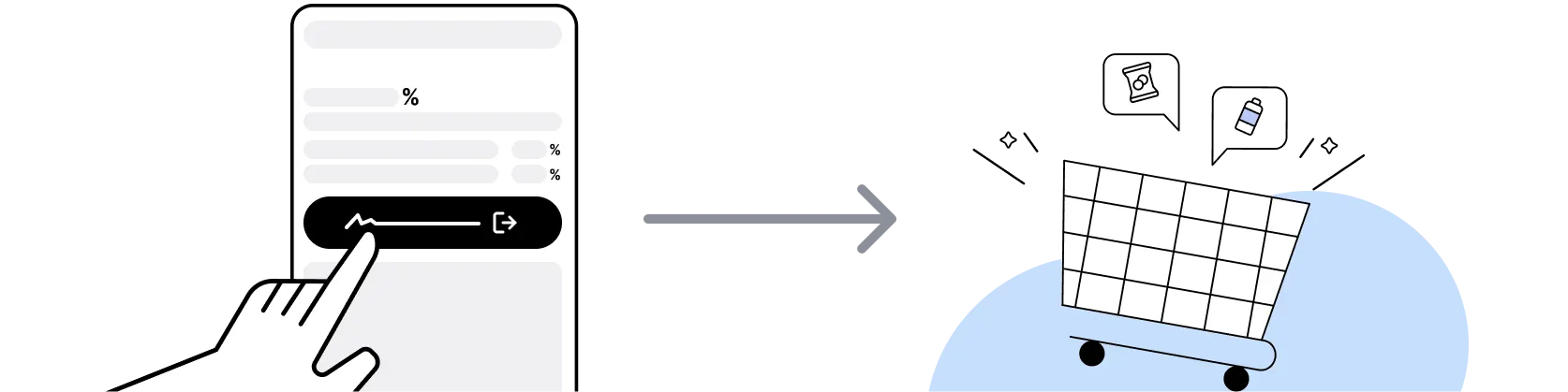
Don't click on any third party links or extensions or use VPN or adblocking software, as they could result in your Cashback not being tracked. Some examples include: Facebook ads, Google Ads, other loyalty or cashback extension links.

For mSpy, you need to clear your cart, close the mSpy app, open this platform to visit the mSpy app or website and complete your purchase there in order to earn Cashback. You need to do this for each purchase.
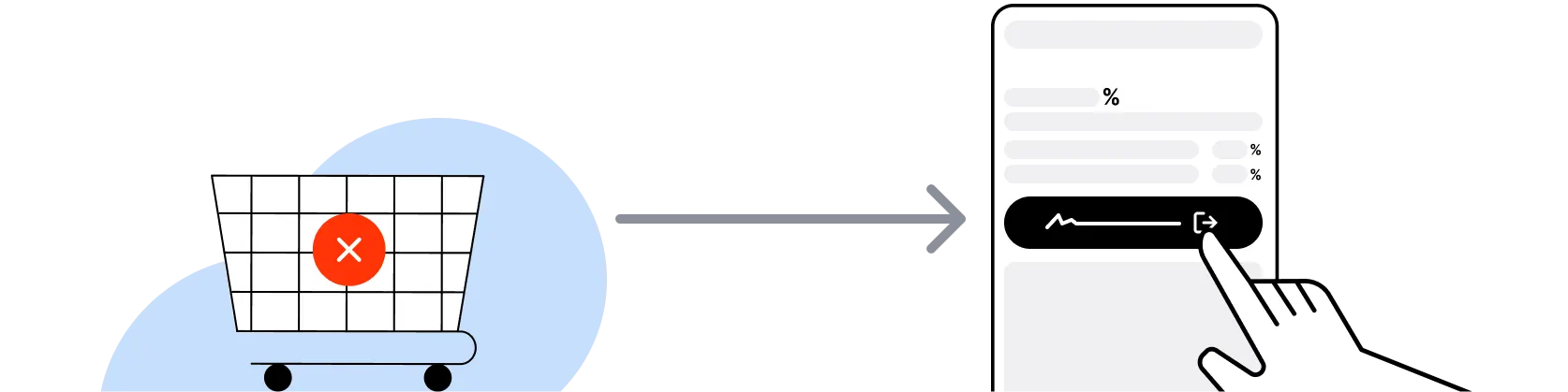
If you encounter payment errors during your purchase, you should restart your visit to the mSpy from this platform to ensure that your Cashback continues to be tracked.
mSpy can only confirm to us that a transaction is recorded if you accept all cookies that appear on their pages.
Shop and earn at similar stores
mSpy on ShopBack
How do I get a discount on mSpy?
Apply the best mSpy promo code or card offer you qualify for, then go through ShopBack before you pay, where ShopBack Cashback works like a discount on the same order, only easier than a promo code. There is nothing to find or type, it does not use up your one mSpy promo code, and it still lowers the price when no code is running. Part of what you pay comes back as Cashback: check the rate shown on ShopBack's mSpy page before you buy.
What is mSpy and what does it do
mSpy is a consumer parental monitoring and employee monitoring software subscription service founded in 2010, so pick your plan, then check out through ShopBack before you pay, where ShopBack Cashback works like a discount, only easier than a promo code. It operates under Altercon Group LLC. The product allows a device owner (parent, guardian or employer) to monitor activity on a device they own or control, including text messages and iMessage, call logs, GPS location, installed apps, keystrokes, web browsing history, and activity on supported social media and messaging apps (WhatsApp, Snapchat, Instagram, Facebook Messenger, Telegram, Viber, TikTok, with coverage varying by platform and OS). Legitimate use cases are parental monitoring of a minor child's own device under US child-safety guidance and employer monitoring of a company-owned device under a published employee monitoring policy; use on a device you do not own or control may violate US state and federal law.
mSpy subscription tiers explained
mSpy publishes three subscription tier structures. The 1-month tier is the highest effective monthly rate and suits a short-term use case. The 3-month tier reduces the effective monthly rate. The 12-month tier offers the lowest effective monthly rate and locks the full year of monitoring at launch pricing. Each tier covers one target device under one subscription; multi-device coverage requires separate subscriptions. All tiers include the same feature set (messages, calls, GPS, social media monitoring on supported apps); the tier choice is a billing-cycle decision only. First-term pricing on the 12-month tier typically carries a steeper discount versus auto-renewal pricing. Set a calendar reminder 30 days ahead of renewal to decide whether to accept the standing rate or shop fresh promotional pricing. ShopBack US Cashback applies on the paid subscription subtotal at the current published rate.
mSpy iOS and Android device compatibility
mSpy offers two install paths. The iOS path for non-jailbroken iPhone and iPad uses the Apple ID credentials of the target device and syncs data via iCloud backup (requires iCloud backup enabled on the target device and 2-factor authentication managed with the device owner's cooperation). The Android path requires physical access to the target device for a one-time local install of the mSpy monitoring app; rooting the Android device is not required for the core feature set but unlocks additional monitoring depth on some apps. For iOS devices without an active iCloud backup, mSpy also supports a jailbreak-based install path which carries the standard risks of jailbreaking (voids warranty, blocks future iOS updates, reduces device security). Verify the current OS compatibility matrix on mspy.com before purchase. Install path varies by OS and target device state.
mSpy feature set and app coverage
The mSpy monitoring feature set covers text messages (SMS and iMessage), call logs with incoming and outgoing numbers and duration, GPS location with location history timeline, geofencing alerts (notification when the target device enters or leaves a defined zone), installed apps list, web browsing history and bookmarks, keystroke logging on supported platforms, calendar and contacts, Wi-Fi networks the device has connected to, photos and videos stored on the device, and activity on supported social media and messaging apps (WhatsApp, Snapchat, Instagram, Facebook Messenger, Telegram, Viber, TikTok, Tinder, Hangouts, with coverage varying by platform and OS). Feature depth on each social app depends on current OS, app version, and whether the Android device is rooted. mSpy also offers a keylogger feature on Android with physical install. Verify the current feature matrix on mspy.com for the specific target device OS.
mSpy legitimate use cases and US legal context
In the US, legitimate mSpy use cases are parental monitoring of a minor child's own device under US child-safety guidance and employer monitoring of a company-owned device under a published, employee-acknowledged monitoring policy. Installing monitoring software on a device you do not own or control, or on a device belonging to an adult without their informed consent, may violate US federal law (Electronic Communications Privacy Act, Computer Fraud and Abuse Act) and various US state laws on electronic surveillance and wiretapping. The legal landscape varies by state. For parental use with a minor, best practice is to disclose the monitoring to the child in age-appropriate terms. For employer use, best practice is a written monitoring policy acknowledged by employees as a condition of employment. Consult a US attorney for state-specific legal guidance before deployment. mSpy publishes a terms-of-service document on mspy.com covering intended use.
mSpy refund policy and money-back guarantee
mSpy publishes a 14-day money-back guarantee on new consumer subscriptions purchased from mspy.com direct, covering a refund request filed within 14 days of the initial purchase under the terms stated on the refund policy page. The guarantee applies to the initial paid subscription, not to auto-renewal charges applied after the first term closes. Specific refund eligibility conditions apply (for example, documented technical issues preventing the service from working on the target device per the published OS compatibility). To file a refund request, contact mSpy customer support through the account dashboard with the order confirmation and documentation. Verify the current money-back terms on mspy.com before purchase since the specific window and conditions can change.
mSpy versus Qustodio and Bark for US parental monitoring
In the US parental monitoring software category, mSpy, Qustodio, Bark, Norton Family, Google Family Link and Apple Screen Time are the main consumer offerings. Qustodio and Bark are purpose-built for parental monitoring with family-dashboard features, time-limit controls, and age-appropriate content filtering, and typically position with a disclosure-first install model intended for parent-child joint awareness. mSpy covers a broader monitoring feature set (deeper message and social media visibility) that overlaps with employer-monitoring use cases. Google Family Link and Apple Screen Time are the free OS-native options with limited third-party app visibility but strong device-time and content controls. For a disclosure-first parent-child monitoring approach, Qustodio or Bark typically fits best. For deeper visibility on messaging apps where the parent needs more detail (and under a disclosed install), mSpy carries broader coverage. All paid options are typically Cashback-eligible via ShopBack US where the merchant page is active.
mSpy Black Friday and Cyber Monday 2026
mSpy typically runs sitewide percentage-off promotions during Black Friday week (November 27, 2026) and Cyber Monday (November 30, 2026), with headline discounts on 12-month subscription tiers (where the first-term discount versus standing renewal is deepest). Secondary windows: Back-to-School (August 2026), Independence Day (July 4, 2026), Labor Day (September 7, 2026), end-of-year clearance (December 26 through January 15, 2027), and periodic sitewide promotional flash days throughout the year. For a 12-month subscription lock at the deepest first-term rate, Black Friday through Cyber Monday is the window. ShopBack US Cashback is claimed on the paid subscription subtotal after the holiday discount is applied. For a deeper look, see US 2026 Sale Calendar: Memorial Day to Black Friday and Cyber Monday.
How to activate ShopBack Cashback on mSpy
mSpy applies its own on-site promotional pricing at checkout. ShopBack Cashback works like a discount, only easier than a promo code: go through ShopBack before you pay. Sign in to ShopBack US, open the mSpy page and go through to mspy.com, then finish the purchase. For repeat buyers, installing the ShopBack Cashback Buddy browser extension on desktop activates Cashback on supported merchants without a manual click-through. The live rate is shown in the rate table at the top of this page.
Do mSpy refunds or cancellations affect my ShopBack Cashback?
mSpy publishes a 14-day money-back window on new subscriptions. Auto-renewal charges that process after the first term are a separate transaction, so go through ShopBack before you pay on any new tier purchase or renewal.
Which mSpy purchases earn ShopBack Cashback?
The current Cashback is shown on the mSpy page on ShopBack before you buy. Go through ShopBack before you pay and the Cashback tracks to your ShopBack account.
Last updated: 19 Oct 2026


