Ways to Save on Amazon
There are several ways to reduce what you spend on Amazon purchases — through Amazon's own built-in tools, through an Amazon credit card, and through cashback platforms that credit earnings back to your account.
Published 13 Apr 2026 • 7 min read
There are several ways to reduce what you spend on Amazon purchases — through Amazon's own built-in tools, through an Amazon credit card, and through cashback platforms that credit earnings back to your account. Each works differently, and eligibility conditions apply. Always check the terms for any tool before relying on it at checkout.
Amazon's built-in saving tools
Amazon Coupons
Amazon has a dedicated Coupons page where digital coupons can be clipped and applied automatically at checkout on eligible products. Coupons are available on a wide range of categories including grocery, household, health, and electronics. Not all products have coupons available. Each coupon is subject to eligibility conditions, quantity limits, and expiry dates set by the seller or Amazon.
Subscribe & Save
Subscribe & Save lets you set up recurring deliveries on eligible Amazon products at a discounted rate compared to one-off purchases. Subscriptions can be scheduled monthly or at other intervals. The discount applies as long as the subscription is active, and subscriptions can be paused or cancelled at any time. Not all products are eligible. Discount amounts vary by product — check the product listing for current Subscribe & Save terms before subscribing.
Lightning Deals and Deal of the Day
Lightning Deals are time-limited promotions on specific Amazon products, running for a set number of hours. Deal of the Day offers run for 24 hours. Both are listed on Amazon's Today's Deals page. Quantities are limited — deals end when the time runs out or stock is claimed. Adding a Lightning Deal to your cart reserves your spot but does not guarantee purchase if the item sells out before checkout is completed.
Amazon Prime membership
Amazon Prime is a paid membership that includes access to Prime-exclusive pricing and deals not available to non-members. Prime members receive early or exclusive access during Amazon's annual sale events. Prime membership also includes other benefits such as free shipping on eligible orders. A subscription fee applies — check Amazon's current Prime pricing for the US.
Amazon Outlet and Warehouse Deals
Amazon Outlet lists overstock and clearance items at reduced prices. Amazon Warehouse offers open-box, pre-owned, and returned products at a discount. Warehouse items are graded by condition — read the condition notes on each listing before purchasing, as item condition varies.
Wish List price tracking
Adding items to an Amazon Wish List lets you monitor price changes on specific products over time. Price changes are not notified automatically — check your Wish List periodically before buying.
Amazon credit cards
Amazon offers credit cards in the US, including options for Prime members and non-Prime cardholders. These cards earn cashback on eligible Amazon purchases, which can be applied as a statement credit or redeemed on future Amazon orders. Card eligibility and cashback terms are set by the card issuer. Check the card's current terms and conditions before applying.
Cashback through ShopBack
ShopBack is a cashback platform that offers cashback on eligible Amazon purchases in the US. When you activate cashback through ShopBack before checkout, a portion of what Amazon pays the platform is credited back to your ShopBack account. Cashback starts as pending and becomes confirmed after the purchase is validated. Once your confirmed balance reaches $5, it can be withdrawn via PayPal or ACH.
Activating cashback
How you activate depends on which ShopBack surface you use:
- Browser extension — When you visit Amazon, the ShopBack extension prompts you to activate cashback. Click to activate before adding items to your cart or proceeding to checkout.
- Mobile app — Navigate to Amazon through the ShopBack app. This starts the tracked session. Do not switch to a separate browser or app during checkout.
- Web — Go to ShopBack.com, find Amazon, and click through to Amazon from the ShopBack site. Complete your purchase within that session.
Regardless of which surface you use, the full purchase must be completed within the same tracked session from activation to order confirmation.
What counts as breaking a tracked session
A session can break and cashback may not track if:
- You click an external cashback or affiliate link after activating ShopBack
- You apply a coupon code that is not approved by ShopBack
- You switch browsers, devices, or open Amazon in a new window outside the ShopBack-initiated session
- You navigate away from Amazon to a non-Amazon site and return via a different link
Watch-outs
- Cashback may not track if session conditions are broken
- Returns or cancellations may result in cashback being reversed
- Check ShopBack's terms before combining cashback activation with any Amazon coupon or promotion, as unapproved codes can break tracking
FAQ
Yes. ShopBack offers cashback on eligible Amazon purchases in the US through its browser extension and app.
Activate cashback through the ShopBack browser extension or app before starting your Amazon purchase, then complete checkout within the same tracked session. Cashback is credited to your ShopBack account after the purchase is confirmed.
Yes! Amazon coupons can be used alongside cashback. Just note that unapproved coupon codes may prevent cashback from tracking, so check ShopBack's terms before applying any coupon codes at checkout.
Amazon cashback takes 2 days to track and 30 days to confirm. Once confirmed, it will be available to withdraw after any applicable return window has passed.
Cashback earned through ShopBack can be withdrawn via PayPal or ACH once your confirmed balance reaches $5.
Amazon Warehouse items are sold at a discount based on condition. Each listing includes a condition grade and notes from Amazon. Check the condition notes carefully before purchasing — condition varies by item.
Some deals on Amazon are available to all customers. Prime-exclusive pricing and early access to certain sale events require an active Prime membership.
Add ShopBack Extension
Install the browser extension for auto coupons and cashback reminders.
Download ShopBack App
Get the app to earn cashback and manage rewards on mobile.
 Scan QR or download below


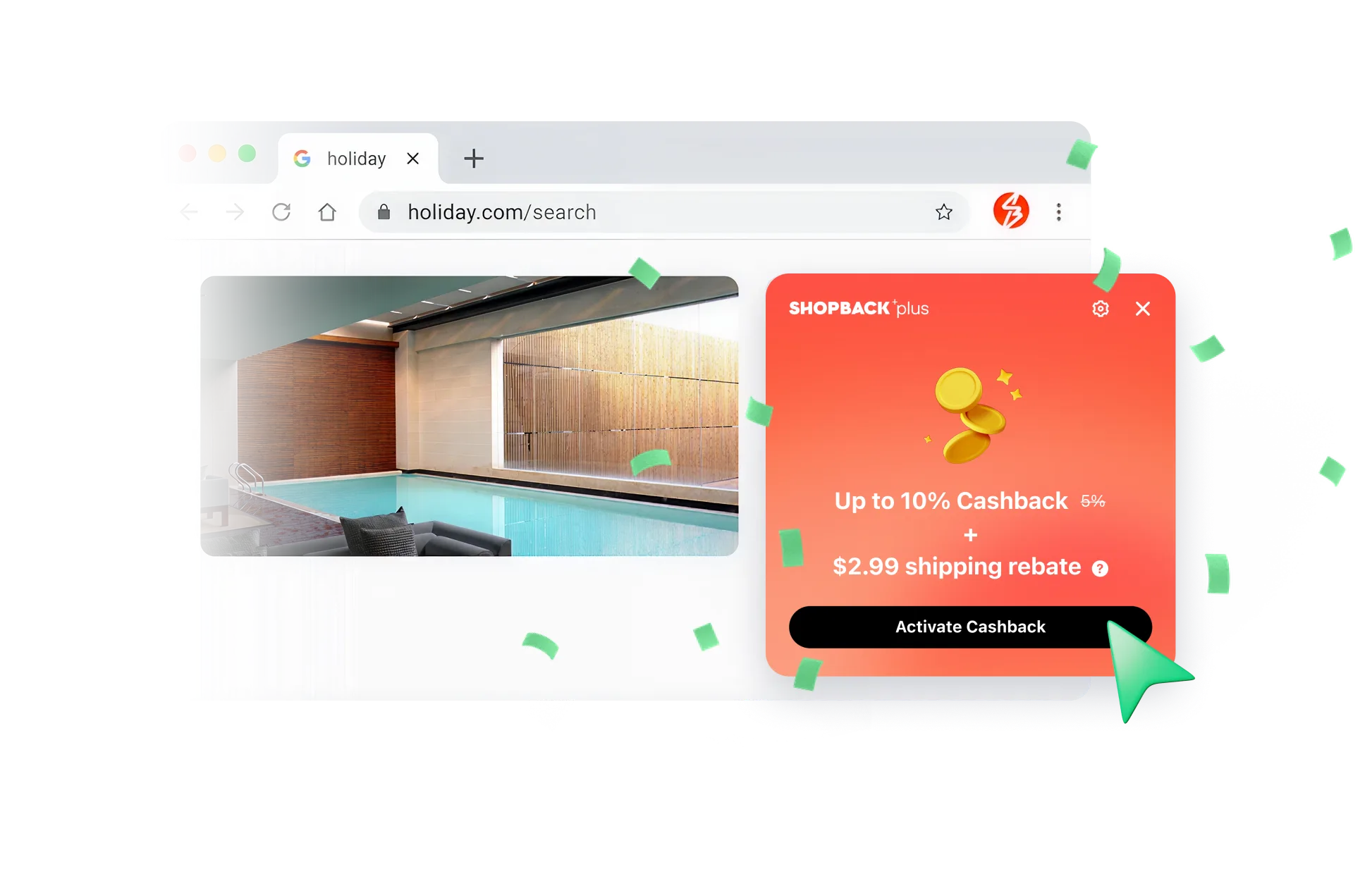
Never miss out on Cashback
Just click to shop - ShopBack browser extension will handle the Cashback and track your rewards.

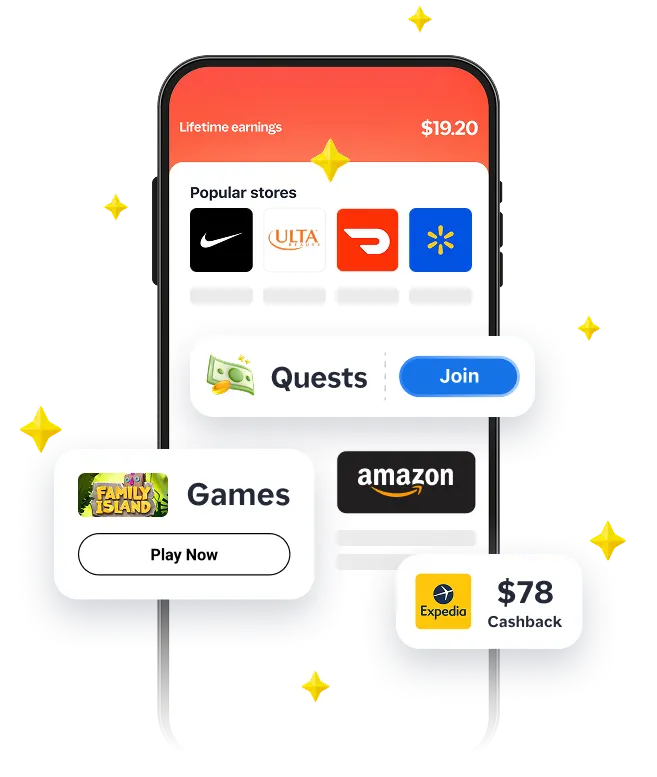
Complete quests, score bigger savings
Shop, play games, join quests, and unlock even more Cashback - only in the app.
